If you have an email newsletter, you have a powerful asset that can help you generate income in various ways. But how do you make the most of your email monetization strategy in 2025?
In this post, we will share tips on optimizing your Paved profile and sponsorship placements to attract the best sponsors for your niche.
Whether you're new to sponsorships or want to improve your existing strategy, this post will give you some practical advice. Let’s get started!
7 easy ways to boost your Paved Profile and attract more sponsors
There's no better time to optimize your newsletter content, Paved profile, and sponsorship placements to build a strong email monetization strategy.
If you're already on Paved, congrats! You're ahead of the game.
Paved is a newsletter marketplace for publishers that helps you get discovered by amazing sponsors in your niche. Newsletters with informative and eye-catching Paved profiles attract the highest-quality sponsors.
Get sponsorships from world-class advertisers
Work with premium advertisers, fill ad space, and optimize your sponsorship bookings at scale.
Let’s walk through 7 quick profile updates that will help you attract the best sponsors.
1. Update your sponsorship availability calendar
Your availability calendar is the cornerstone of your Paved profile. It shows sponsors when open ad slots are available and how much they cost.
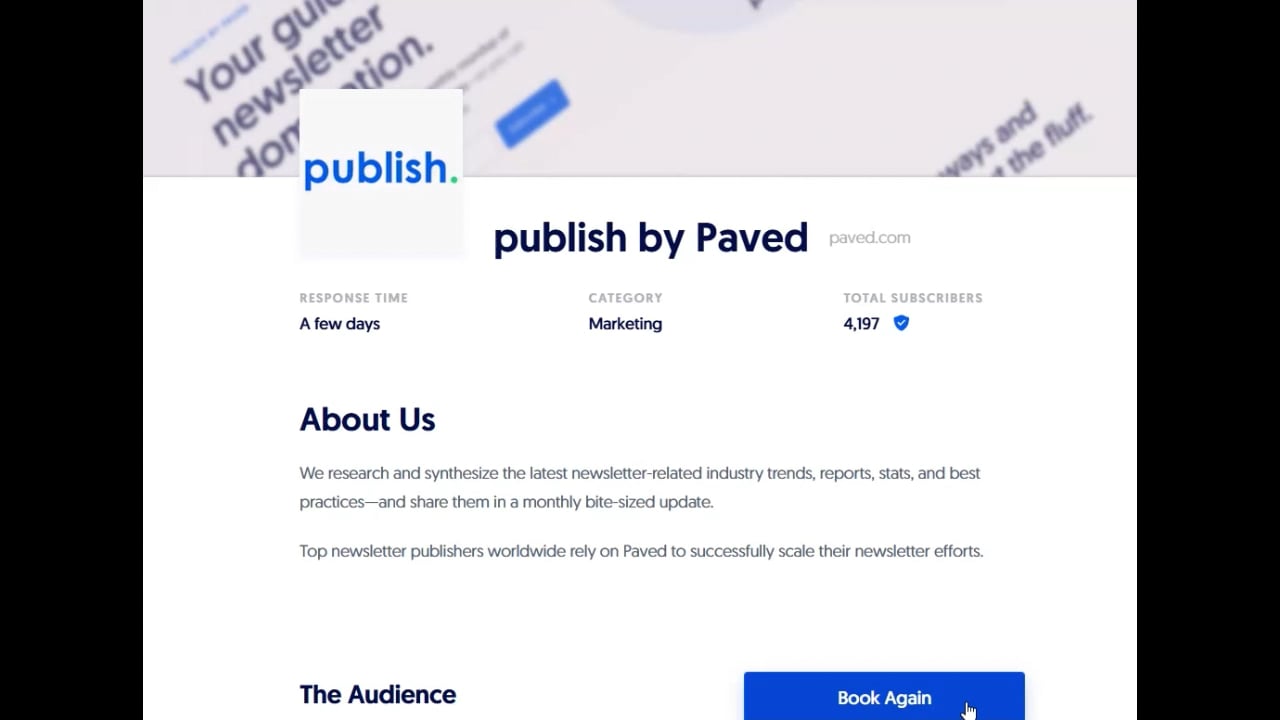
A good rule of thumb is to update your calendar once per month or so. If you take a break from sending in the summer, for instance, you'll want to make sure this is reflected on your calendar.
How to update your calendar:
- In your Paved publisher account, navigate to your Profiles page.
- Click the Options dropdown menu next to the newsletter you want to work with and select Set Availability.
- Note the dates for your newsletter sends and indicate any ad slots that are open or unavailable on your calendar.
Learn more:
2. Add a newsletter example to your profile
To show advertisers how high-caliber your content is, we highly recommend adding a recent issue of your newsletter to your Paved profile.
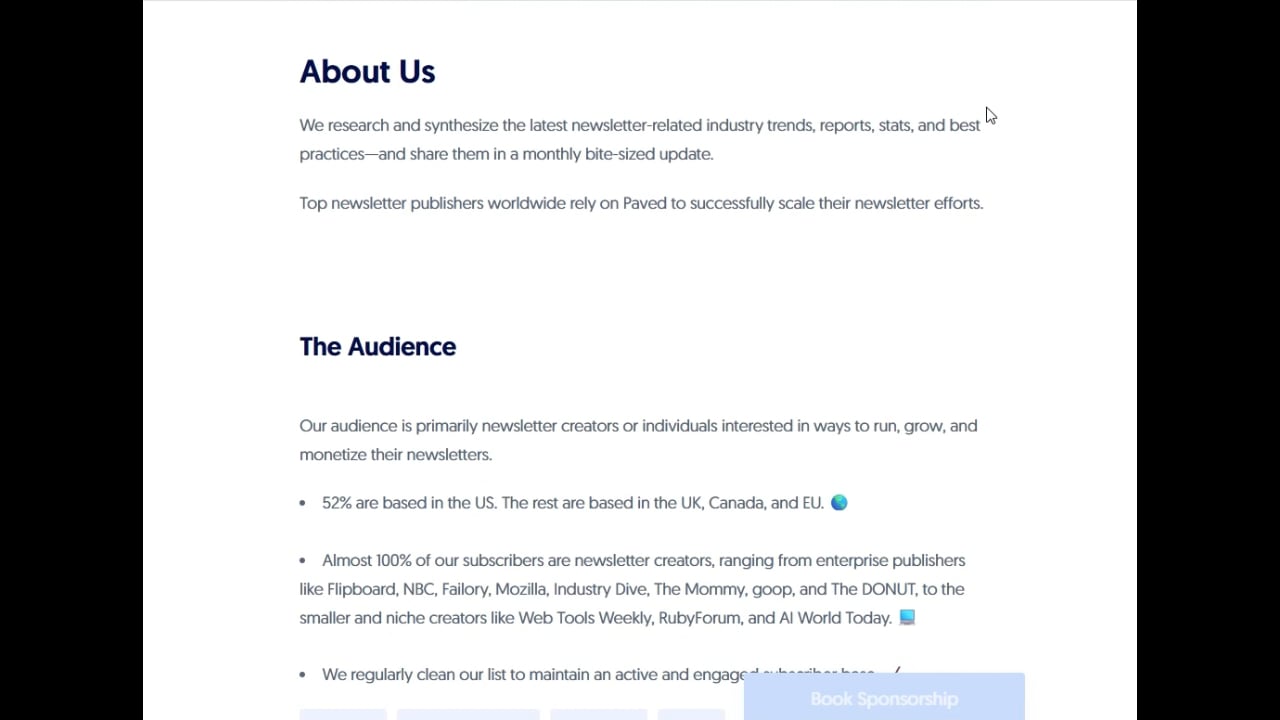
How to add a newsletter sample to your profile:
- In your Paved publisher account, navigate to your Profiles page.
- Click the Options drop-down menu, and select Edit Marketplace Profile.
- In the sidebar, click Dedicated Email or Sponsored Email.
- Scroll to the Sample Email section to upload a recent issue of your newsletter in HTML or EML format.
- Click Next, and save your changes.
Learn more:
3. Increase your sales with Smart Pricing
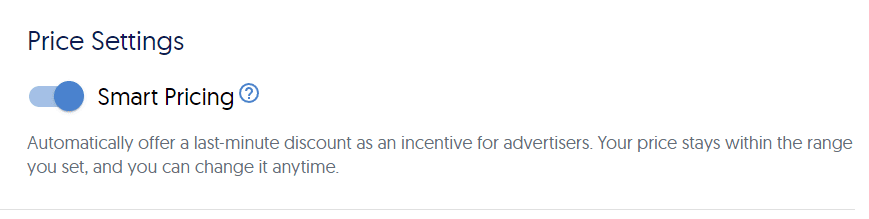
Our next tip: activate Smart Pricing. Publishers who offer discounts are 7x more likely to win sponsorships. When demand for sponsorships is low, Smart Pricing will strategically lower the sponsorship price to attract last-minute advertisers.
How to opt in to Smart Pricing:
- Go to your Profiles page.
- Click Options > Edit Profile.
- Click Sponsored Email and scroll to the Price Settings section.
- Toggle the slider to enable Smart Pricing, and set your minimum and maximum price.
3. Add testimonials to your Paved profile.
The quickest way to boost the status of your newsletter is with Featured Reviews. High marks from previous advertisers can make your newsletter more discoverable in search engines, as well as the Paved Marketplace.
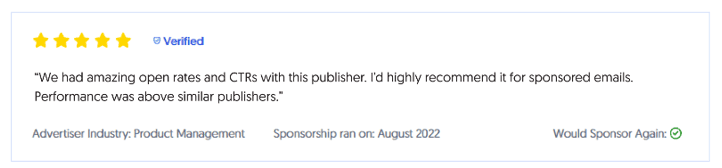
Don’t have any reviews? You can ask for reviews from previous sponsors—even if they’re not on Paved yet. Then, you can feature their testimonials on your Paved profile, like the example below:
How to manage and add Profile reviews:
- Sign in to your Paved publisher account and go to your Profile page
- Click the Options drop-down menu next to the active Marketplace profile you want to work with, and select Manage Reviews.
- Next, you can read your current reviews, ask for new ones, or feature them on your profile.
4. Verify your newsletter’s performance metrics.
When sponsors book advertisements with you, they’re booking based on the numbers they see on your Marketplace profile. Periodically double-check your metrics to make sure they’re still accurate.
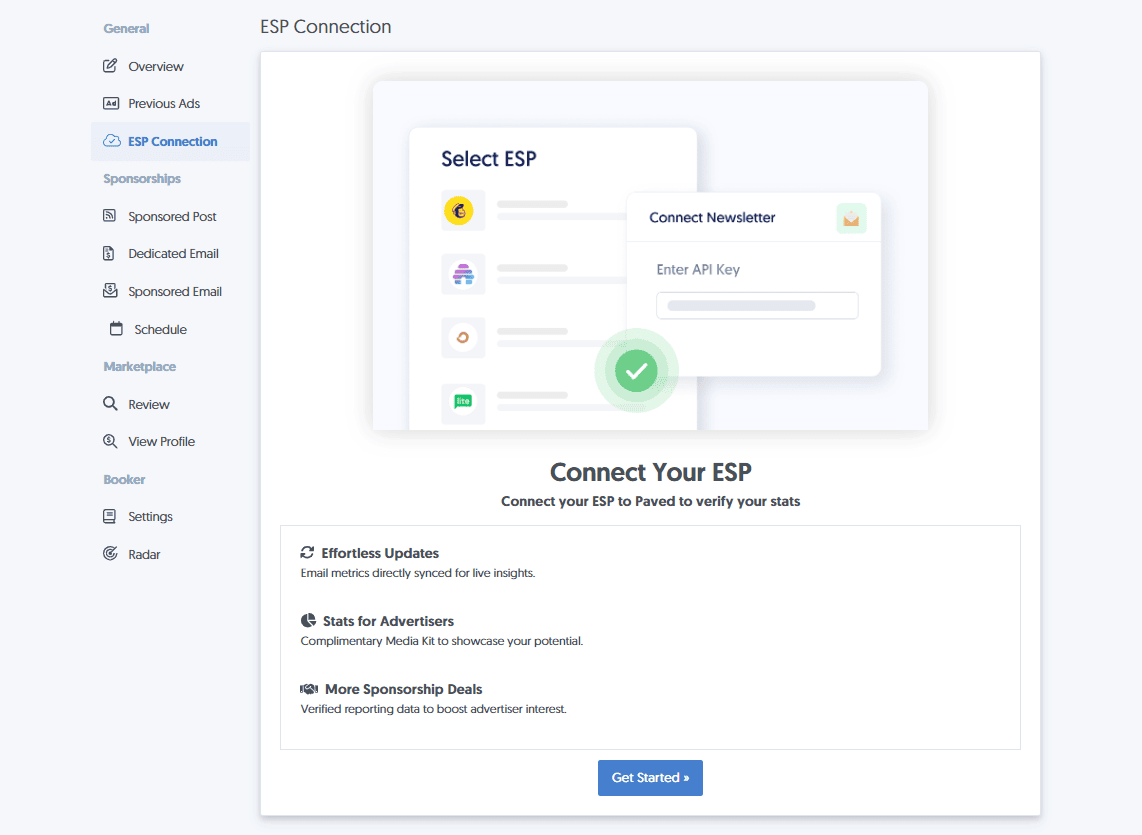
To verify your stats and keep them up-to-date automatically, we recommend connecting your ESP to Paved:
- Go to your Profiles page.
- Select Options > Edit Profile.
- Click ESP Connection and select your email provider.
Learn more:
5. Optimize your sponsorship placements.
Next, consider optimizing the placement and design of your newsletter sponsorships.
- •Experiment with different sponsorship placements and formats.
In our research, we’ve found that sponsorships placed closer to the top of your newsletter will perform better. - •Align the newsletter content with the sponsorship.
Don’t forget to blend your sponsorship placement with your newsletter's design. Bonus points for working with your advertiser to edit the ad copy to suit your newsletter’s voice and tone. - •Don’t accept sponsorships just to have them.
Audience alignment is key. Before you accept a sponsorship, make sure the offer is something your subscribers are truly interested in. Anything else might erode your subscribers' trust.
6. Level up your sales and outreach strategy with Booker
If you haven't created a standalone sponsorship page for your newsletter yet, we highly recommend it. The quickest way to do this is with Booker.
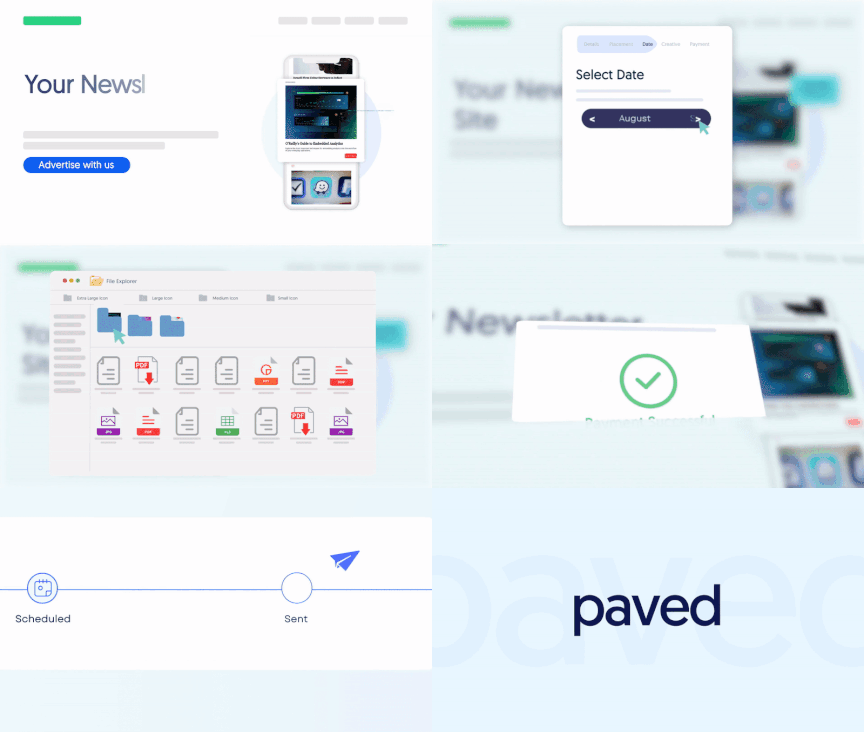
Booker is a secure, embeddable workflow tool built to make the sponsorship process easier for you and your advertisers. Sponsors can click, upload creative, and buy a sponsorship all in one go.
Need anything else?
With these tips in mind, you're well on your way to winning better email sponsorships.
If there's anything you need help with, feel free to reach out to hey@paved anytime. We’d be glad to discuss strategies to help your newsletter thrive in 2025 and beyond.
Get sponsorships from world-class advertisers
Work with premium advertisers, fill ad space, and optimize your sponsorship bookings at scale.