When it comes to newsletter monetization, one of the biggest hurdles for publishers is finding sponsors in the first place. As the leading newsletter sponsorship platform, we know what it takes to capture an advertiser’s attention.
Let’s walk through the process of creating an informative and eye-catching Paved profile to pull in more sponsorship requests.
What's a Paved profile?
Your Paved profile is the foundation of your sponsorship experience. Fill it out once, and we’ll create a brand-optimized page for you—either a Marketplace listing or a Booker storefront, depending on your audience size.
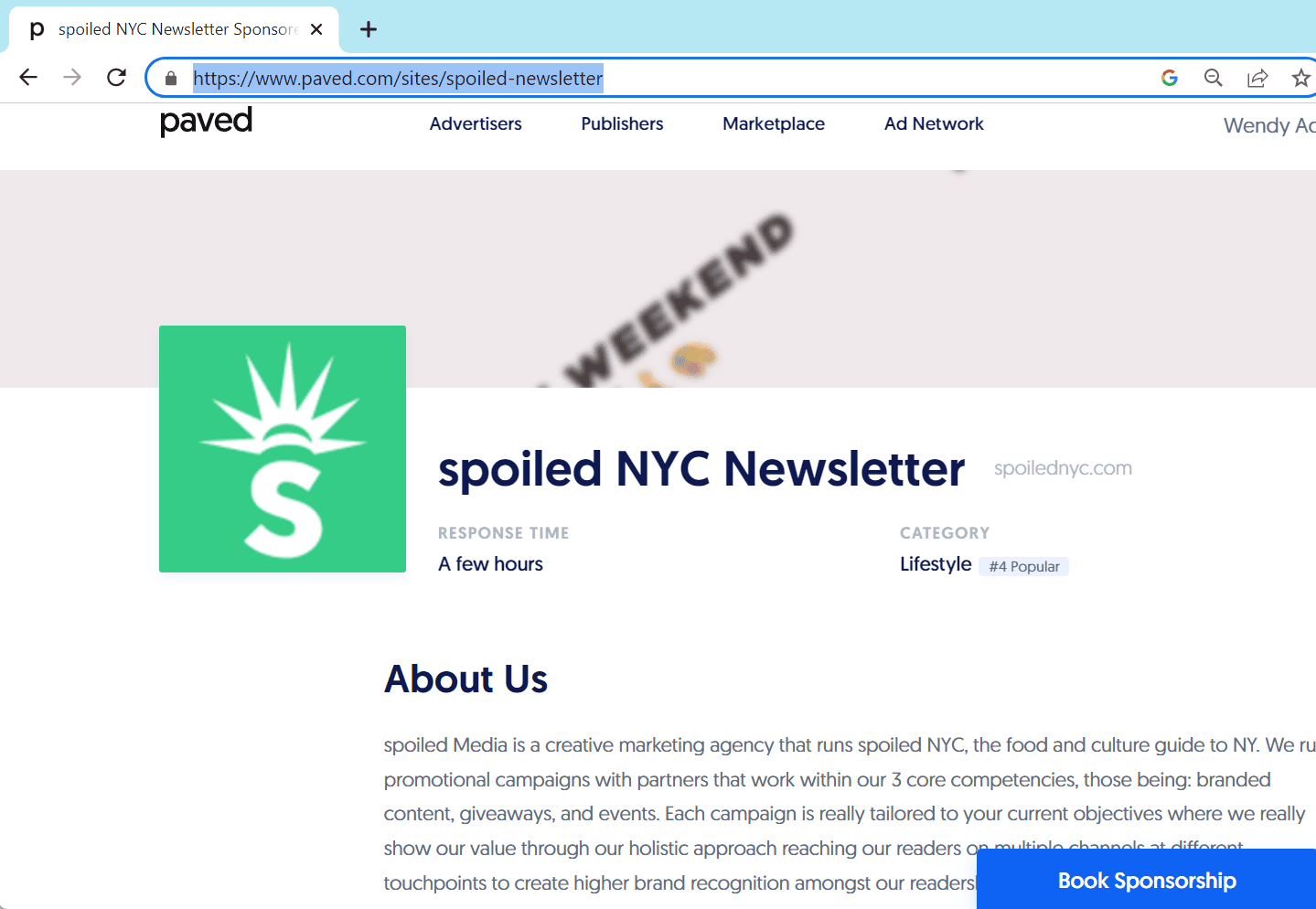
- Paved Marketplace listing (for newsletters with 25,000+ subscribers)
An SEO-optimized page in our newsletter marketplace that helps thousands of top brands find and sponsor your newsletter.
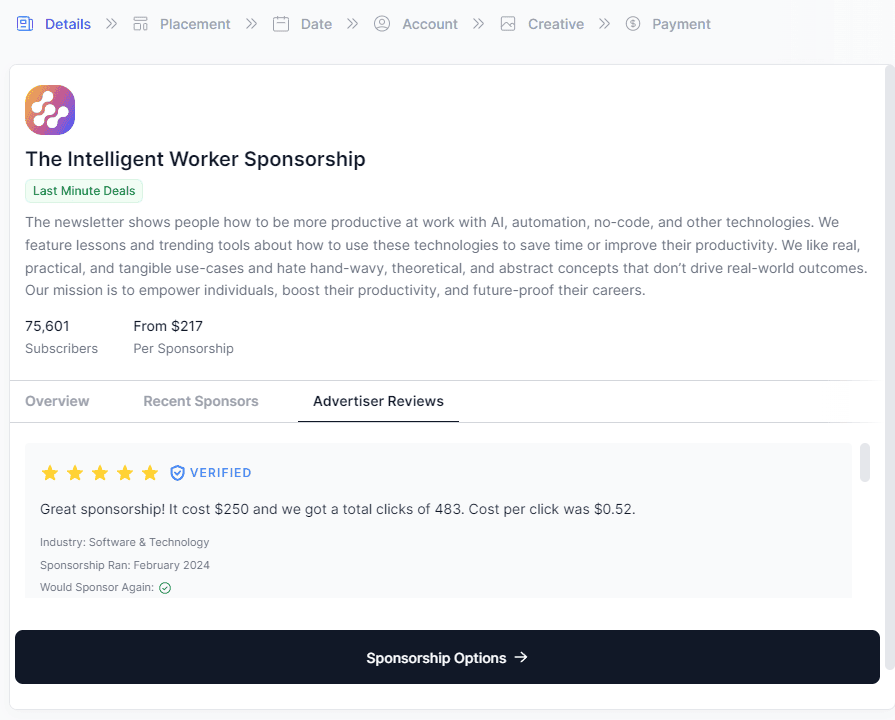
- Booker storefront (for any list size)
Got at list that isn't at that 25K threshold yet? Not to worry--you can still monetize your newsletter.
Filling out your Paved profile also unlocks Booker. It's an embeddable sponsorship storefront you can add anywhere: your website, email footer, or wherever your readers are.
Ready to start building your profile? Let's get to it.
1. Navigate to the Profiles tab
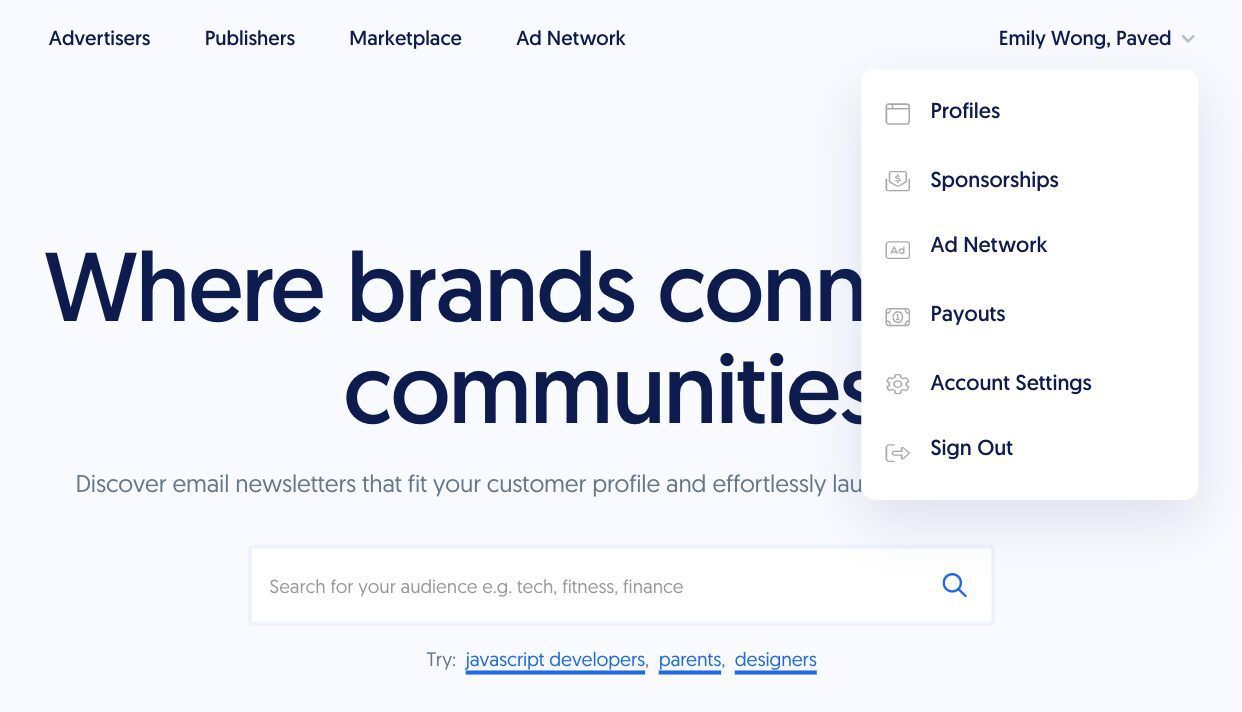
Once you log into Paved or create an account, click on your name and select the Profiles option in the drop-down. Choose to create a new profile or edit an existing one.
2. Fill out your newsletter details
On the first page, provide your newsletter name and organization website. Based on your URL, we’ll try to auto-fill your logo. However, if we can’t retrieve an image, or if you’d like to change it, you can choose to upload your own icon.
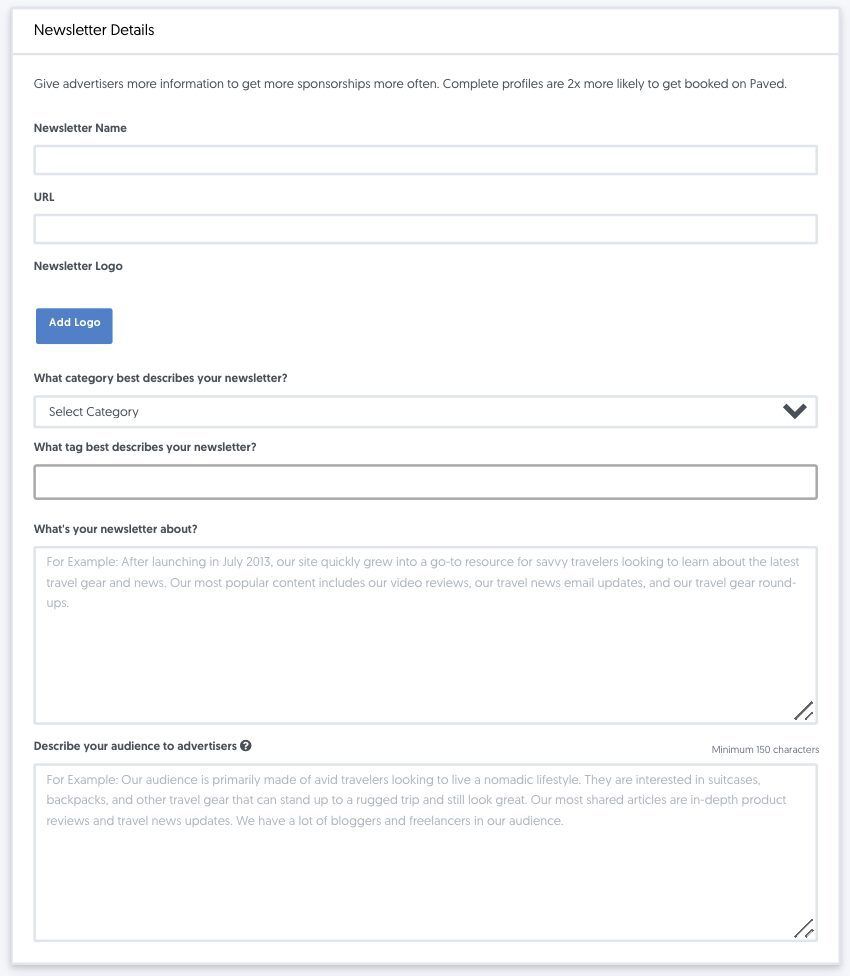
What category best describes your newsletter?
When you pick a category, make sure that it correctly describes your audience and content. Providing a specific and accurate label will increase your chances of being discovered by advertisers in your niche.
What's your newsletter about?
Creating a detailed newsletter description is key to standing out to potential partners. Think about how your publication provides value to readers. What kind of topics do you cover? How do you set yourself apart from competing newsletters? Try to communicate what role you play in your subscribers’ lives, as well as why they trust you.
If your company has an About Us statement, feel free to use it in your profile. However, consider editing or adding content to make it more specific to your newsletter.
Our profile builder will create tags based on your newsletter description. If you’d like to add more, you can choose additional options from the drop-down.
Describe your audience to advertisers
Aside from your readership size, the biggest selling point for advertisers is your audience demographics. Aim to include a mix of qualitative and quantitative data about your subscriber base.
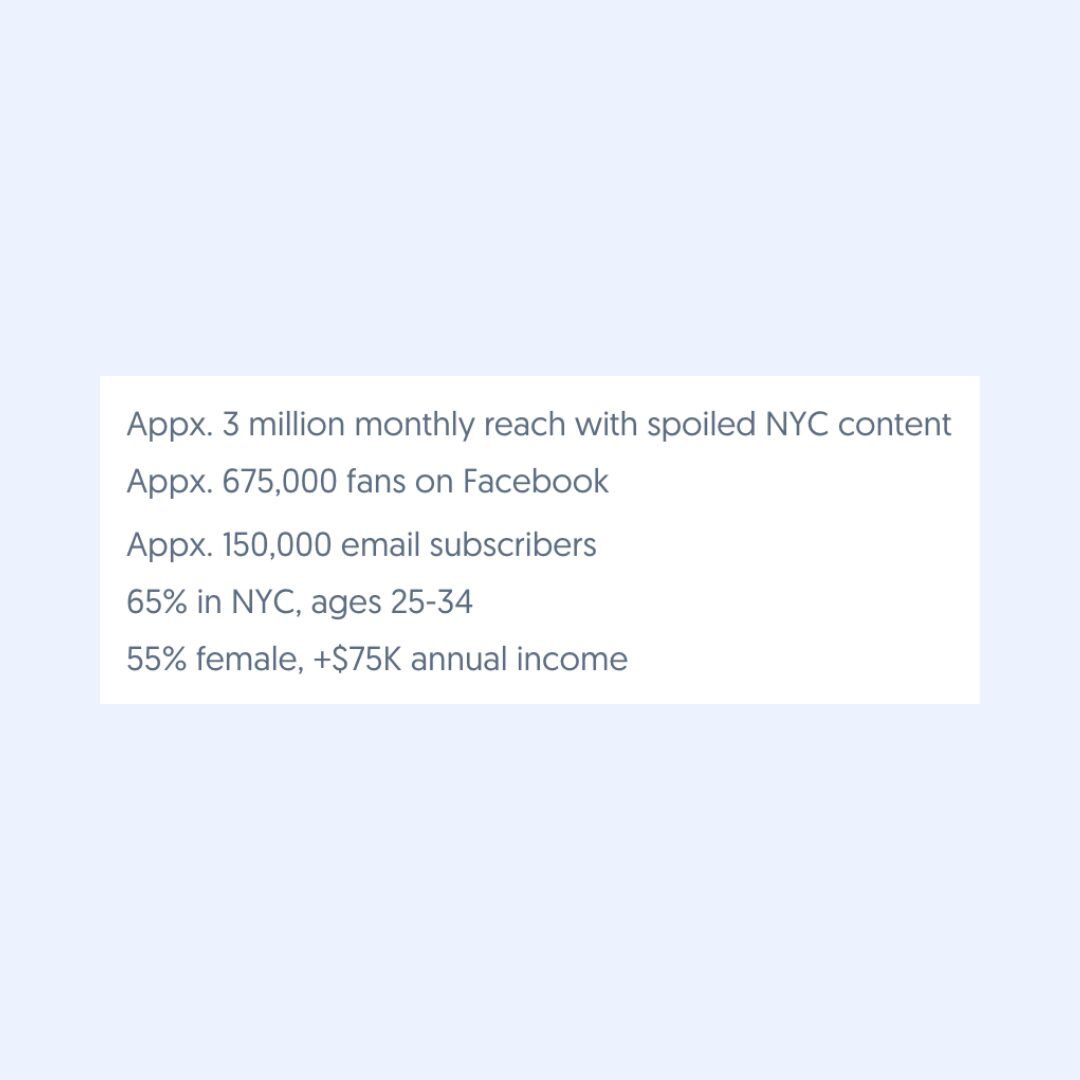
When in doubt, the more information, the better. However, we’ve found that the most important statistics to advertisers vary based on the type of newsletter.
For B2C newsletters, advertisers want to see:
- •Gender
- •Age
- •Geography
- •Household income
For B2B newsletters, advertisers want to see:
- •Job titles
- •Company size
- •Industry
If you’re not sure what your audience looks like, many ESPs offer built-in tools to retrieve data on your audience demographics. At Paved, we’ve also developed a feature to create your media kit for you.
Sponsorship formats
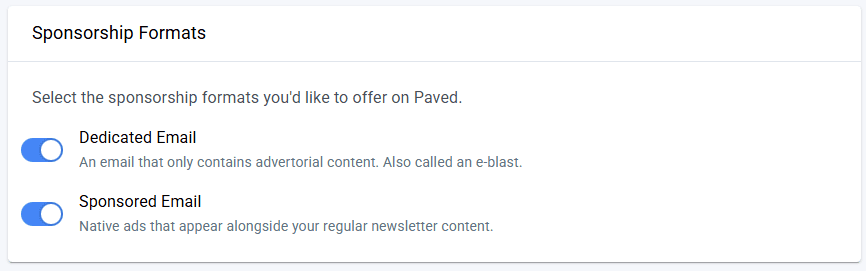
Choose which sponsorships you’d like to offer on the Paved platform.
3. List your previous advertisers
Enter the names of any of your newsletter’s previous sponsors. Including companies you’ve worked with can help build credibility with potential advertisers. If you haven’t run sponsorships in your newsletter before, you can skip this step and revisit it later.
4. Connect your ESP
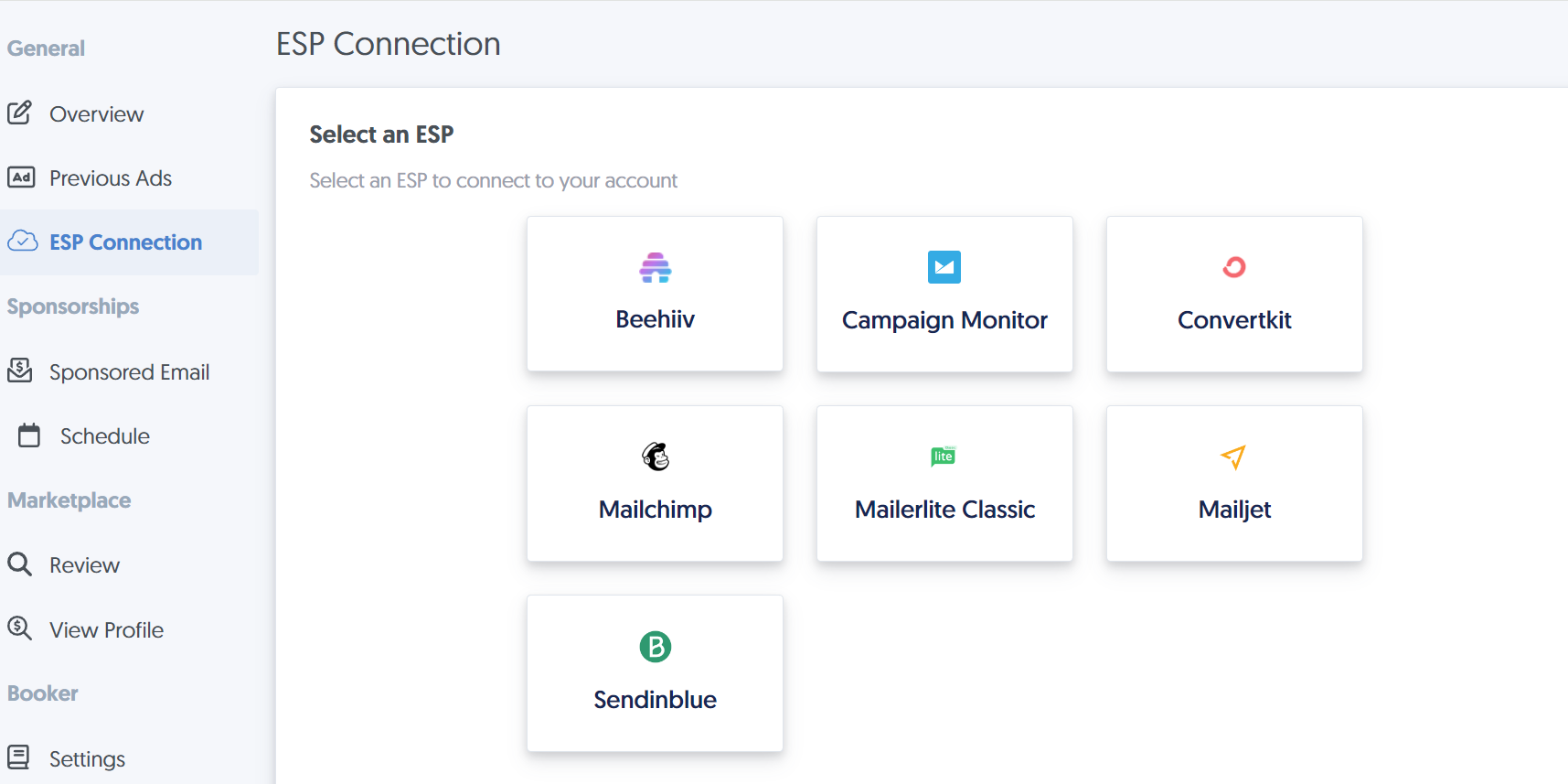
If you use a supported ESP, connect your account to see real-time send stats for your campaigns. Just pick your ESP, log in or enter your API Key, and you're done! Plus, with the Verified Badge, advertisers can trust that your data is accurate.
5. Add details and pricing for your sponsorship placements
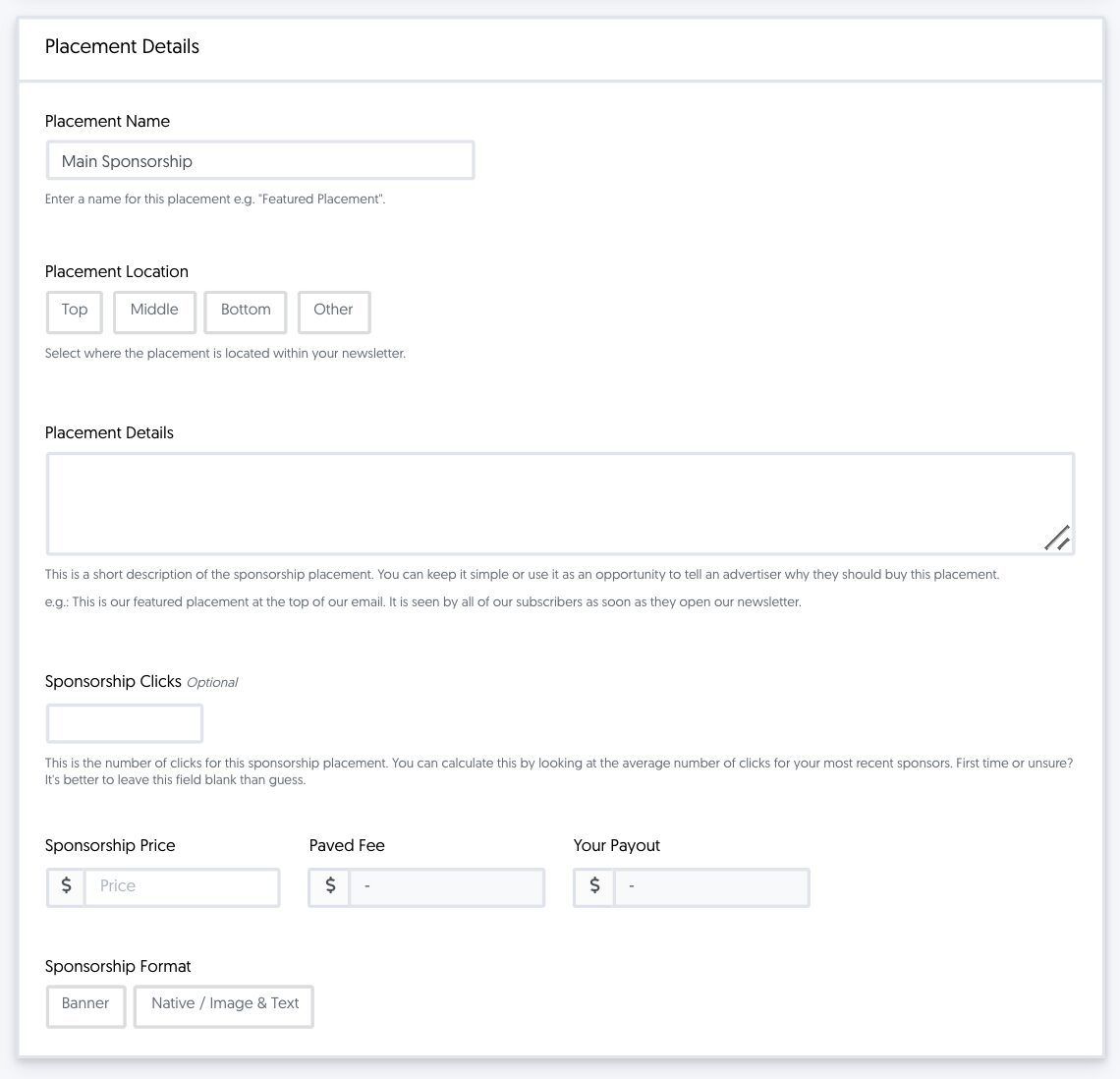
Once you’ve provided information on your newsletter, it’s time to give advertisers a better idea of what to expect from your sponsorships.
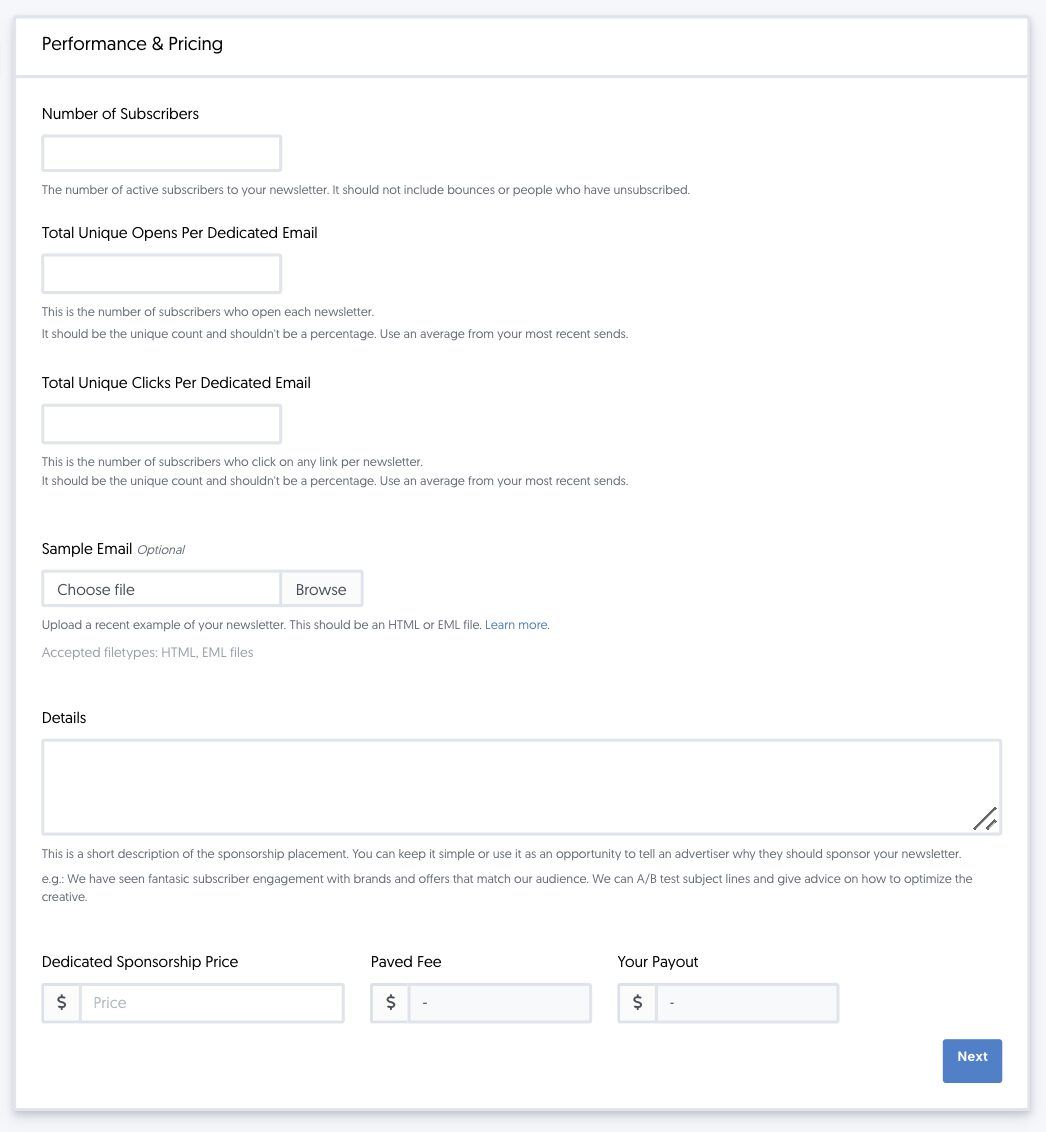
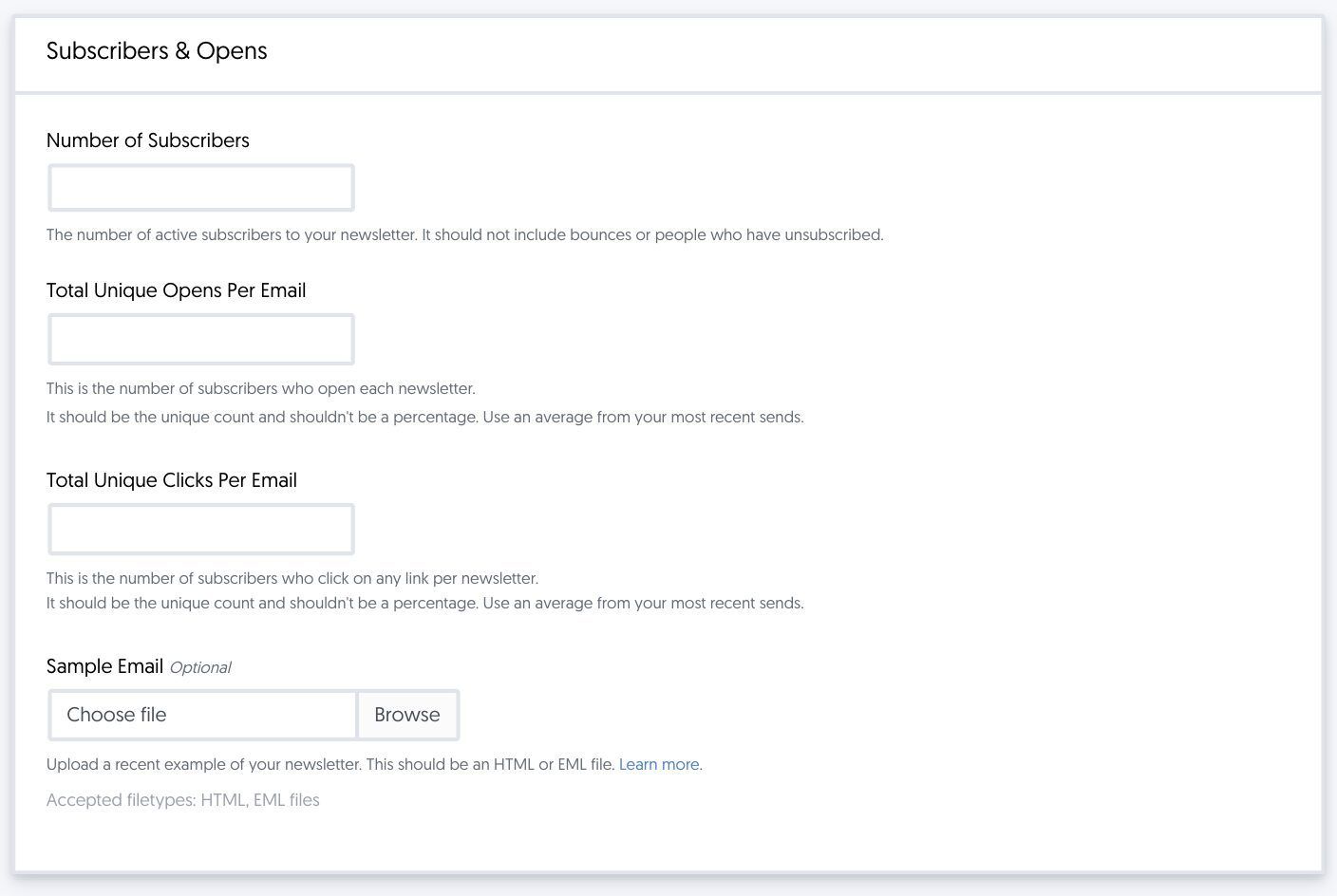
When creating your sponsorship description, try to pull data from past campaigns where possible. For instance, you’ll want to include statistics on your average opens and clicks to give advertisers an idea of your typical engagement. You can also upload HTML or EML files to provide an example of previous sponsorships in your newsletter.
If you haven’t run a sponsorship before, you can leave the box blank until you have an example to upload. Once you’ve run your first sponsorship on Paved, you’ll also get a Verified Stats sticker on your profile for the next six months.
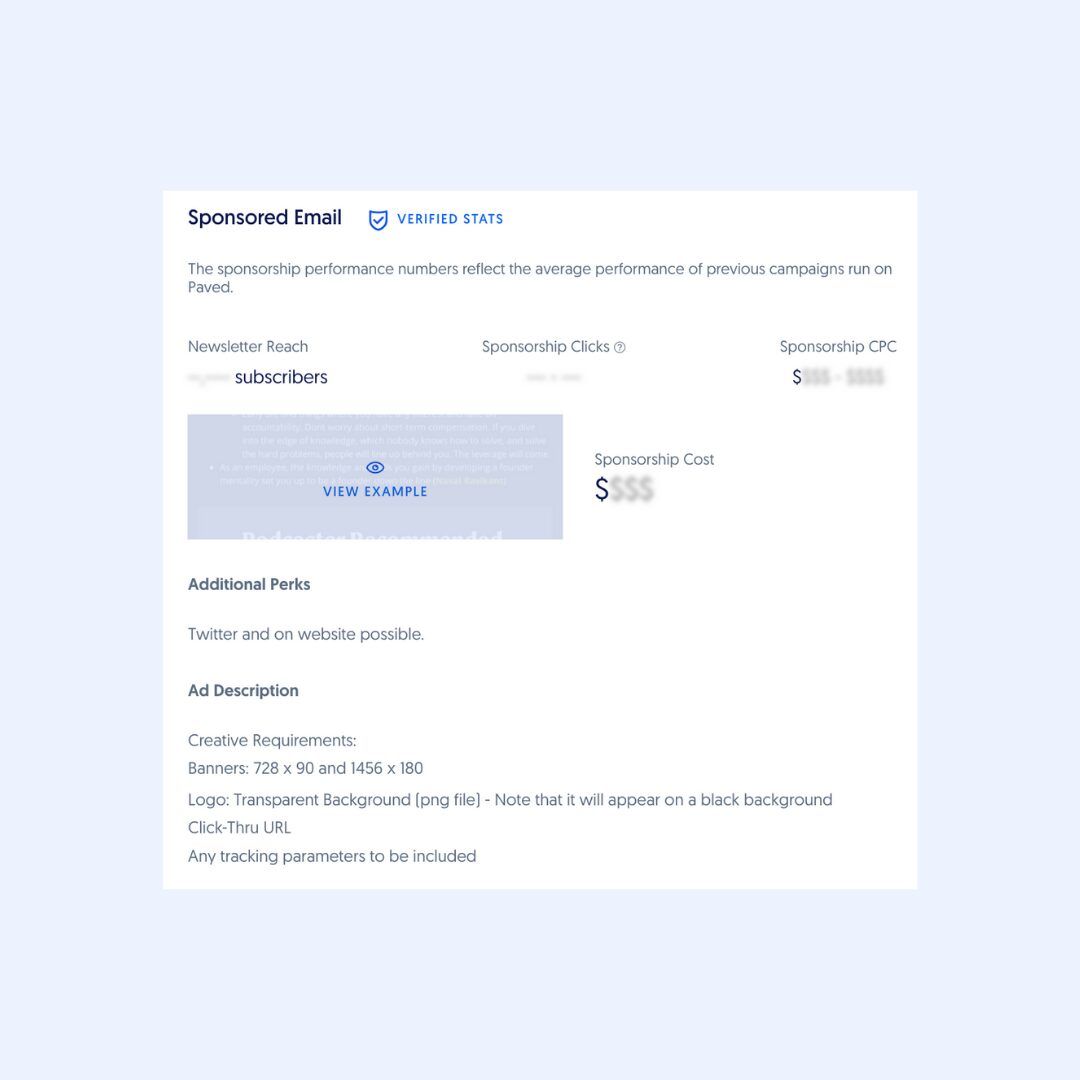
In the Details section, provide specific information about what the sponsorship will include. Are there specific dimensions that the placement should fit? Will the design be adapted to a particular style? If there’s anything the advertiser should know before requesting a sponsorship, add it to the description.
Dedicated email
Sponsored email
6. Add positive reviews to your profile
To boost the credibility of your profile, you can feature sponsorship reviews from previous advertisers—even if they’re not on Paved.
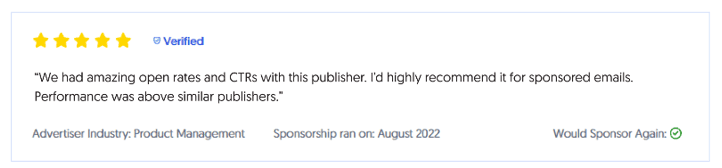
Learn more about featured reviews in our guide: View and Manage Your Newsletter Sponsorship Reviews
7. Submit your profile for review
Once you’ve completed your profile, go ahead and submit it for approval. Our team will look over it and turn it around within 1-2 business days.
Keep an eye on your inbox for a status email. Once you're approved, be sure to share your Marketplace profile or Booker page on your website and social media to attract new sponsors.
Join the Paved marketplace to attract sponsors
If you’re not already signed up with Paved, become a publisher to connect with sponsors and start streamlining your revenue.