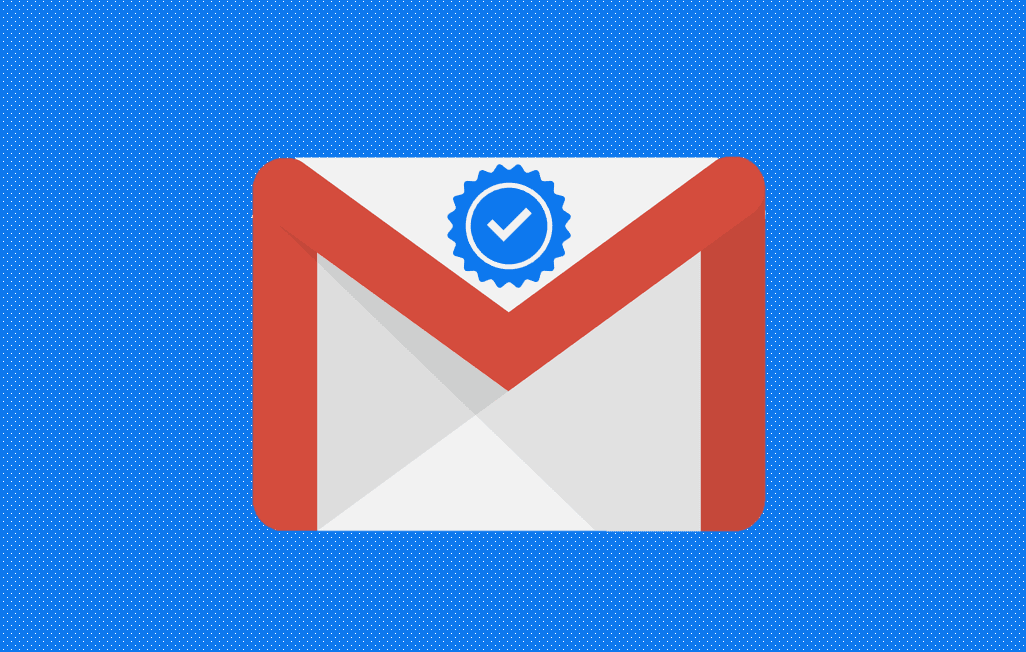
In 2023, Google unveiled a new feature to help legitimate commercial and marketing emails stand out.
A blue checkmark icon now appears next to the names of verified senders in Gmail:
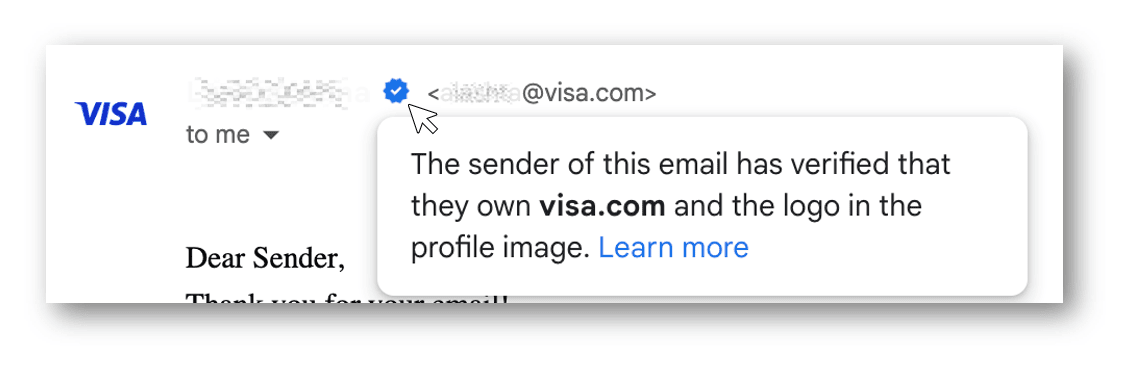
Benefits of the blue checkmark in Gmail
- Standing out in a crowded inbox
Unlike the blue checkmark on sites like Twitter, Gmail’s eye-catching blue checkmark actually means something: you’re interacting with a safe sender that’s verified by Google. - Boosting subscriber trust
The blue checkmark adds an extra level of certainty that a sender is safe and legitimate. The blue checkmark signals to the recipient that the message is safe to open and not a phishing attempt. - Improving deliverability
With a sure way to know that an email is safe, recipients will feel more confident to open messages with the blue check. In turn, this can boost engagement metrics, deliverability, and sender reputation.
Eligibility for the blue check ✔️
For now, Google rolled out this feature for organizations and brands that adopt BIMI.
This rewards companies that have a verified, trademarked logo and strong email authentication practices:
Wait, what’s BIMI?
BIMI stands for Brand Indicators for Message Identification, and it's an authentication method that displays your official company logo next to your emails in the inbox. It's still a new standard, and not all email clients support it yet, but it's expected to grow in the future.
BIMI can help prevent phishing attacks, improve brand visibility, and increase trust and engagement with your audience. And now, it helps you get the coveted blue check in Gmail.
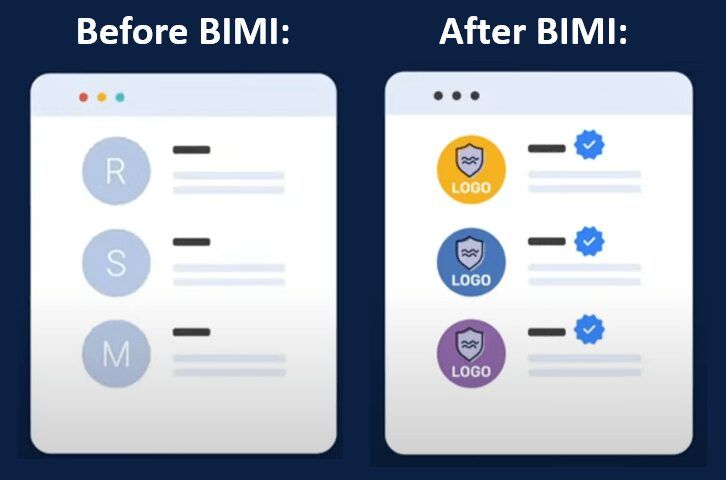
To set up BIMI for your newsletter, you need to do 3 things:
- •Have SPF, DKIM, and DMARC protocols implemented on your sending domain
- •Create a BIMI record with your logo URL and publish it on your DNS server
- •Obtain a Verified Mark Certificate (VMC) from a trusted authority. Unfortunately, the new Common Mark Certificate (CMC) is not eligible for the blue checkmark.
For a step-by-step setup guide, read: What Is BIMI, and How Can You Set It Up for Your Newsletter?
Final thoughts on Gmail's blue checkmark
Don’t let email security catch you off guard. Authentication tools like the blue check are the future of the email industry. Be prepared and get it set up now.
Check out the Paved blog to learn more about how to improve your newsletter:
Get sponsorships from world-class advertisers
Work with premium advertisers, fill ad space, and optimize your sponsorship bookings at scale.