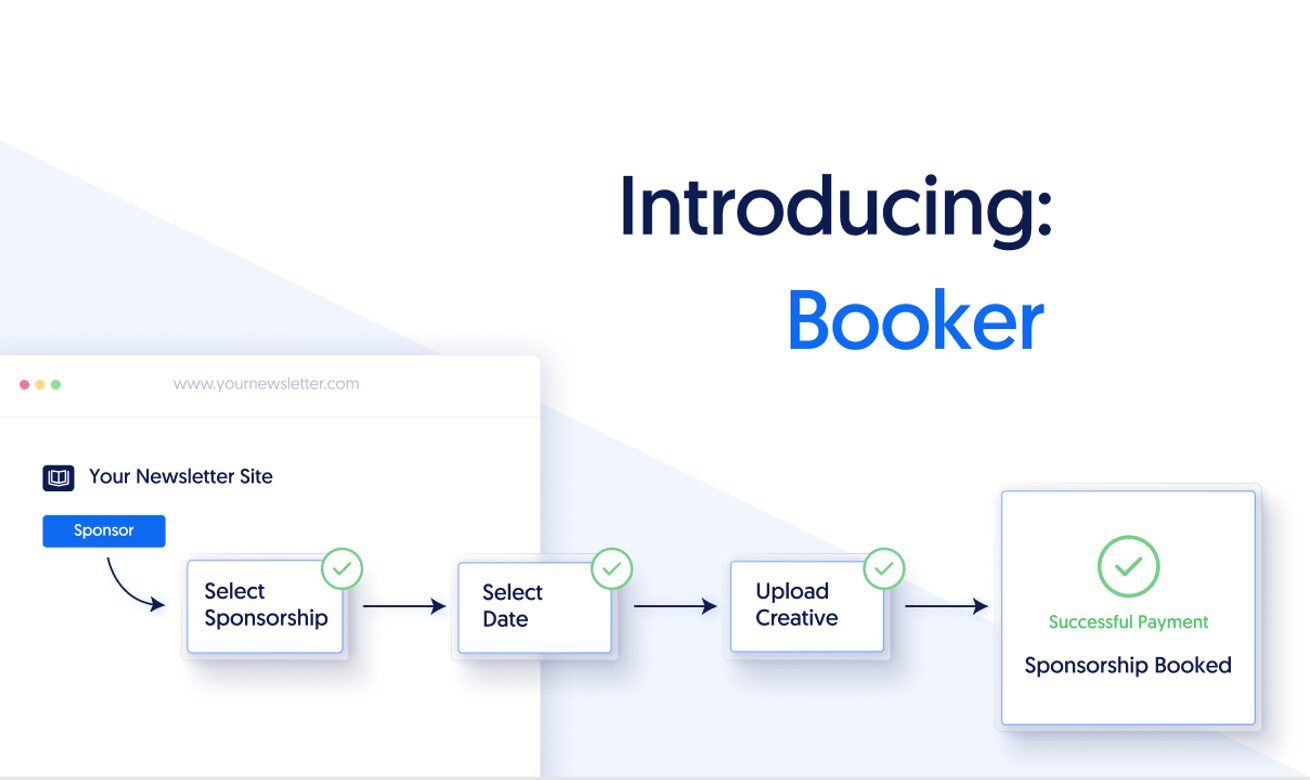
Want to book more sponsorships in less time? Give your sponsorship page a boost with advertiser reviews.
After all, testimonials are proven to increase conversions by up to 34%.
That’s why we’ve added Featured Reviews to Booker. Now, you can share reviews from previous sponsors and sell more ad space than ever before.
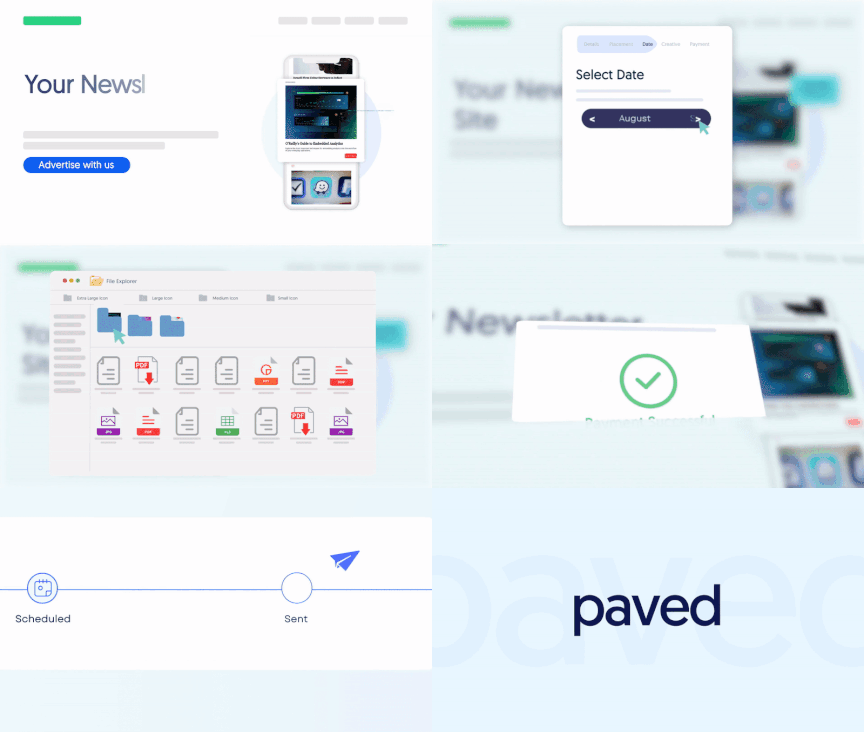
What are verified advertiser reviews?
Advertiser Reviews are curated testimonials from previous sponsors, displayed to potential advertisers on your Booker page and Paved profile.
Great scores from advertisers will help you increase credibility, visibility, and presence, which will all help you earn higher rates.
What advertisers see:
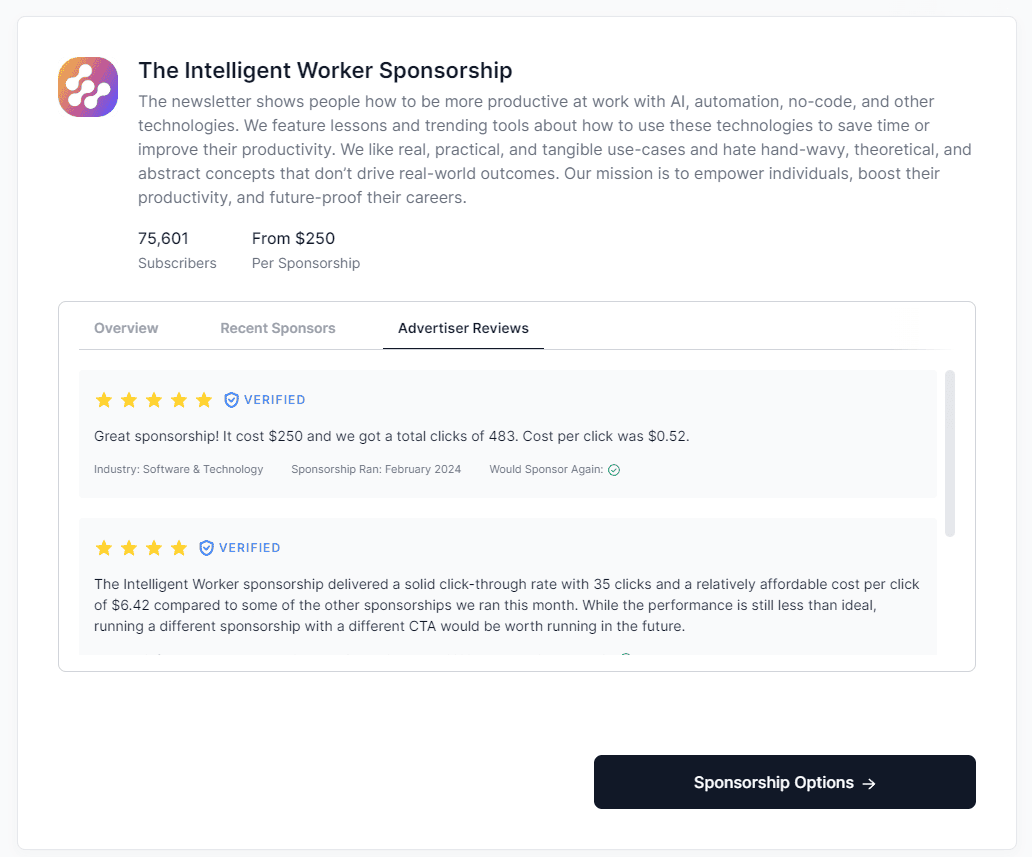
Note: Reviews on our platform are always anonymous. They're not displayed publicly without your approval. Learn more
Benefits of positive reviews
When you get consistently high ratings from advertisers, you’ll get a few perks as a top-rated publisher on Paved:
- •Better discoverability in Paved’s search results and category pages.
- •Inclusion in an exclusive Top-Rated Publishers Collection on Paved.
- •Extra marketing benefits backed by Paved, like sharing your positive reviews on social media.
How to request reviews
Ready to collect testimonials from advertisers? Head to the Manage Reviews section of your Paved account.
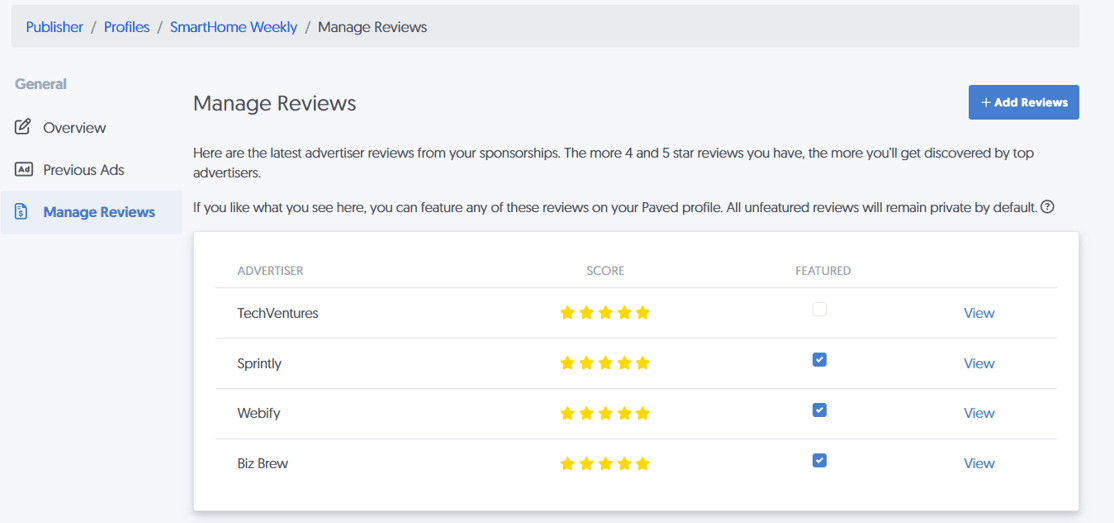
Here, you'll find a pre-made survey page you can send to anyone who’s sponsored you in the past, even if they're not on Paved yet.
- Go to your Profiles page.
- Click Options > Manage Reviews.
- Click the Add Reviews button.
- Create your survey link, and click Generate Invite Link to copy it and share it with your advertiser.
How to feature advertiser reviews on your Booker site
After the positive reviews start rolling in, you're ready to add Featured Reviews to your Booker site.
- Go to your Profiles page.
- Click Options > Manage Reviews.
- Click View to read the advertiser’s survey response.
- Click the Featured checkbox next to the reviews you want to display publicly.
That's it! Now you've highlighted positive feedback from sponsors.